
 Mike Smith
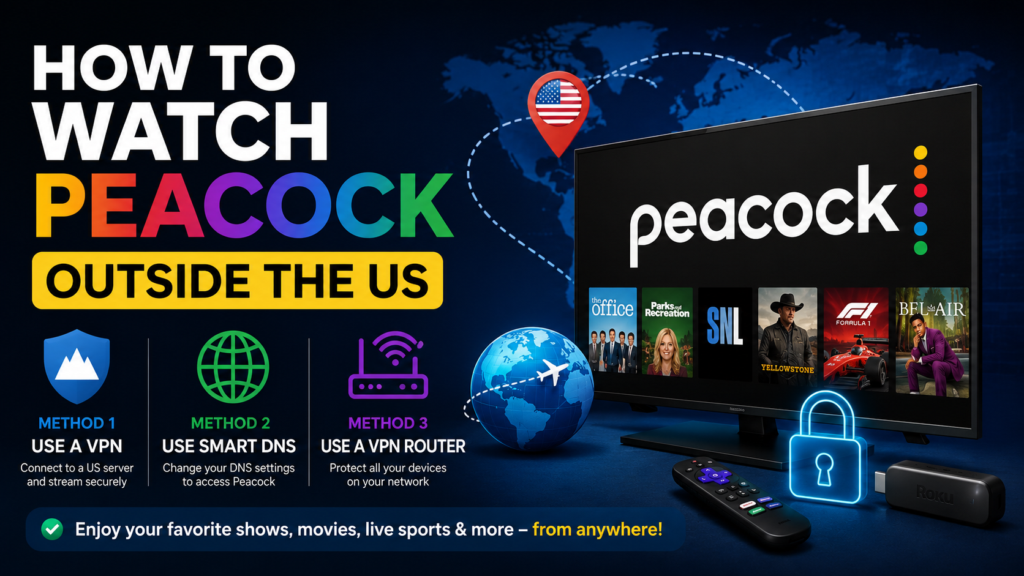
Peacock is NBCUniversal’s streaming service, offering popular TV shows, movies, live sports, WWE events, news, and Peacock Originals. However, Peacock is only officially available in the United States and select US territories. If you’re traveling or living abroad, you’ll need an alternative method to access the service. This guide explains two effective ways to watch Peacock outside the US.
Method 1: Use a VPN
A Virtual Private Network (VPN) is the most reliable way to watch Peacock from anywhere in the world. A VPN changes your IP address and routes your connection through a US server, making it appear as though you’re browsing from the United States.
Step 1: Choose a Reliable VPN
For the best streaming experience, choose a premium VPN service such as:
- NordVPN
- ExpressVPN
- Surfshark
Among the three VPNs, NordVPN stands out as the best choice for watching Peacock outside the US thanks to its fast streaming speeds, reliable US servers, and consistent ability to bypass geo-restrictions, while ExpressVPN and Surfshark are also excellent alternatives.
Step 2: Install the VPN
Download and install the VPN app on your preferred device, including smartphones, tablets, computers, smart TVs, or streaming devices.
Step 3: Connect to a US Server
Open the VPN app and connect to a server located in the United States.
Step 4: Sign In to Peacock
Visit the Peacock website or open the Peacock app and sign in with your account. You should now have access to Peacock’s US library.
You can also watch this video:
Method 2: Use Smart DNS
Smart DNS is another option for accessing Peacock outside the US. Unlike a VPN, it does not encrypt your internet traffic. Instead, it reroutes certain location-related data, allowing streaming services to recognize your connection as coming from the United States.
Step 1: Subscribe to a Smart DNS Service
Popular Smart DNS providers include:
- Smart DNS Proxy
- Unlocator
- OverPlay
Step 2: Configure Your Device
Follow your provider’s setup instructions and update the DNS settings on your device or router.
Step 3: Access Peacock
After setup is complete, open Peacock and begin streaming. Smart DNS is especially useful for smart TVs and streaming devices that do not support VPN apps.
What to Do If Peacock Detects Your VPN
If Peacock displays a location error:
- Switch to another US server.
- Clear your browser cookies and cache.
- Restart the Peacock app.
- Contact your VPN provider for recommended streaming servers.
Peacock FAQs and Answers
You can find everything you need know about Peacock here:
When you make a purchase through links on our site, we may earn an affiliate commission at no additional cost to you. Learn more about how this works.


GIPHY App Key not set. Please check settings